Quick Start Guide
Get started with GraceRain
A few minutes to learn the main things GraceRain does. Each step shows the screen you will see.
-
1
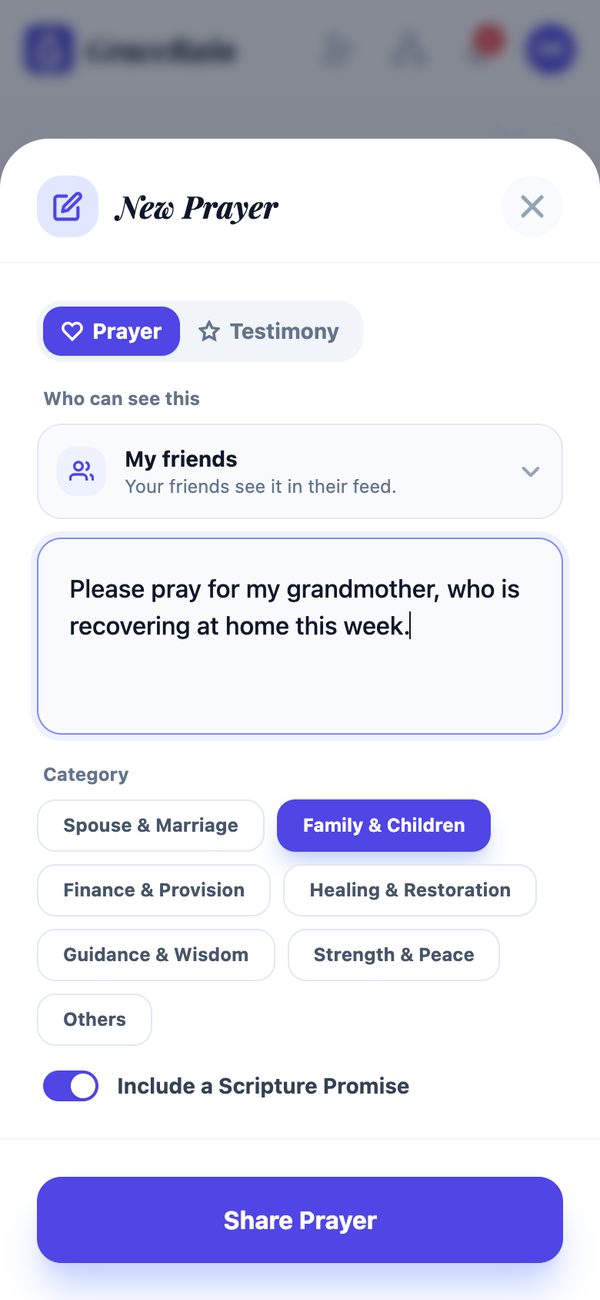
Share a prayer request
Tap + to write a prayer. Choose who can see it: only you, your friends, or one of your groups. Pick a category if you like, and keep a Scripture promise with it.
-
2
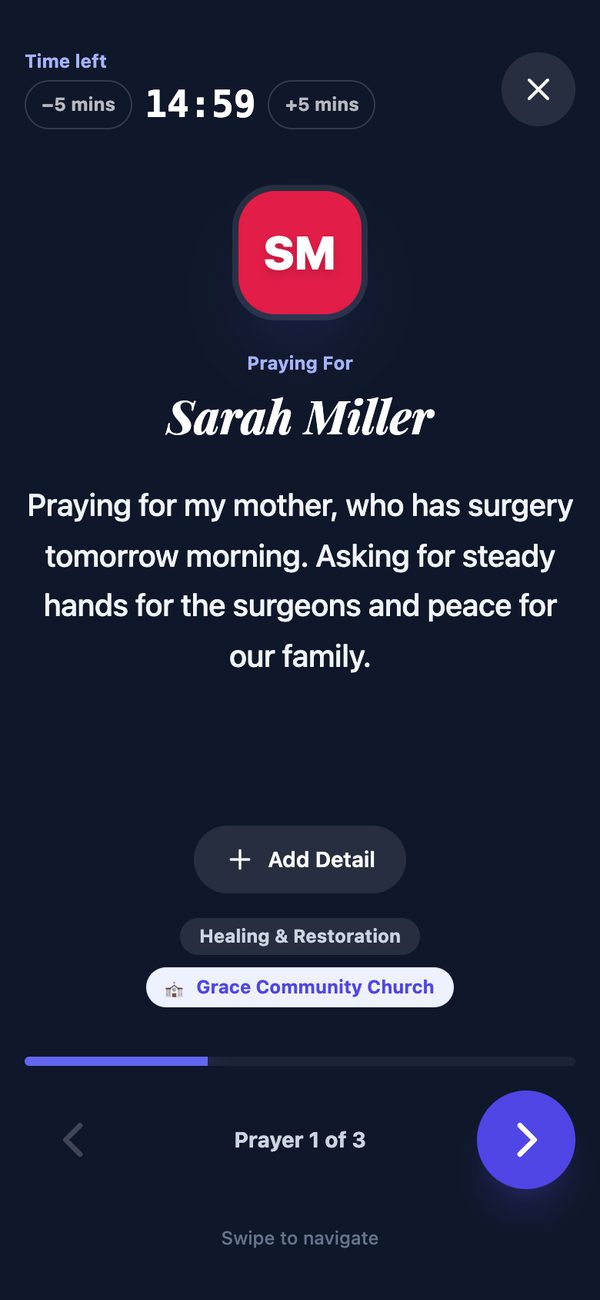
Pray through your list
Tap the bookmark on any prayer to add it to your list, then tap Pray. Praying Mode shows one prayer at a time with a simple timer; swipe to move on. The list button beside Pray shows your list and your daily prayer time. Tapping Prayed on a prayer lets its author know someone is praying.
-
3
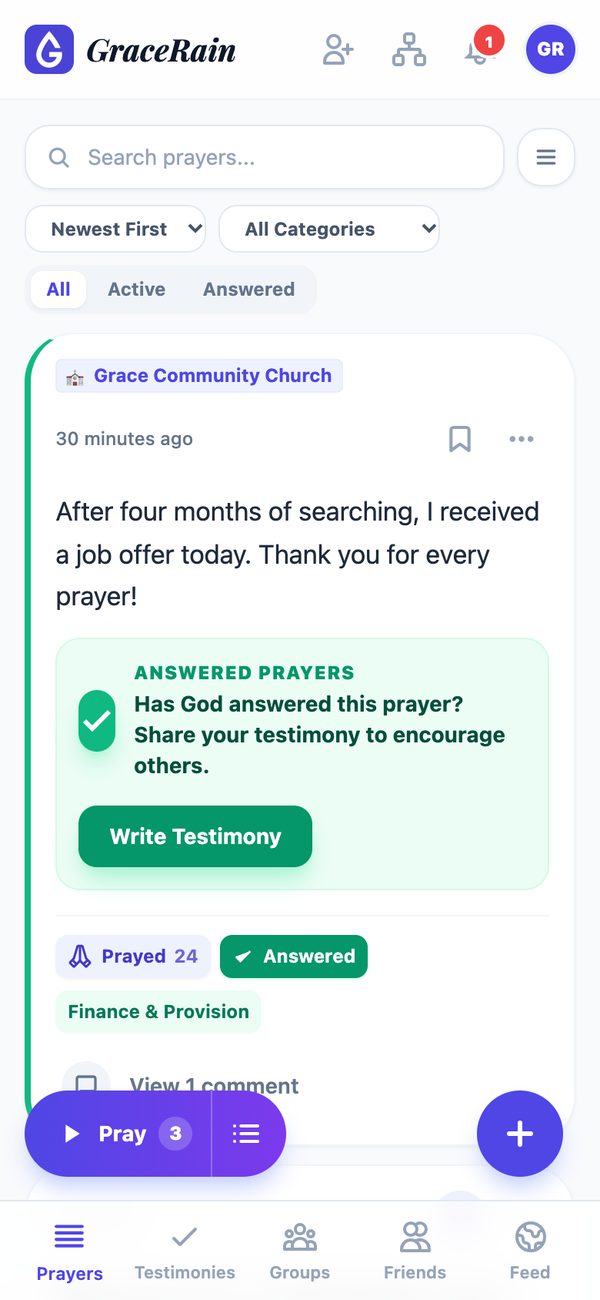
Follow up and celebrate answers
Add a Milestone as things change. When God answers, tap Answer, then write a testimony to encourage others.
-
4
Pray together in groups
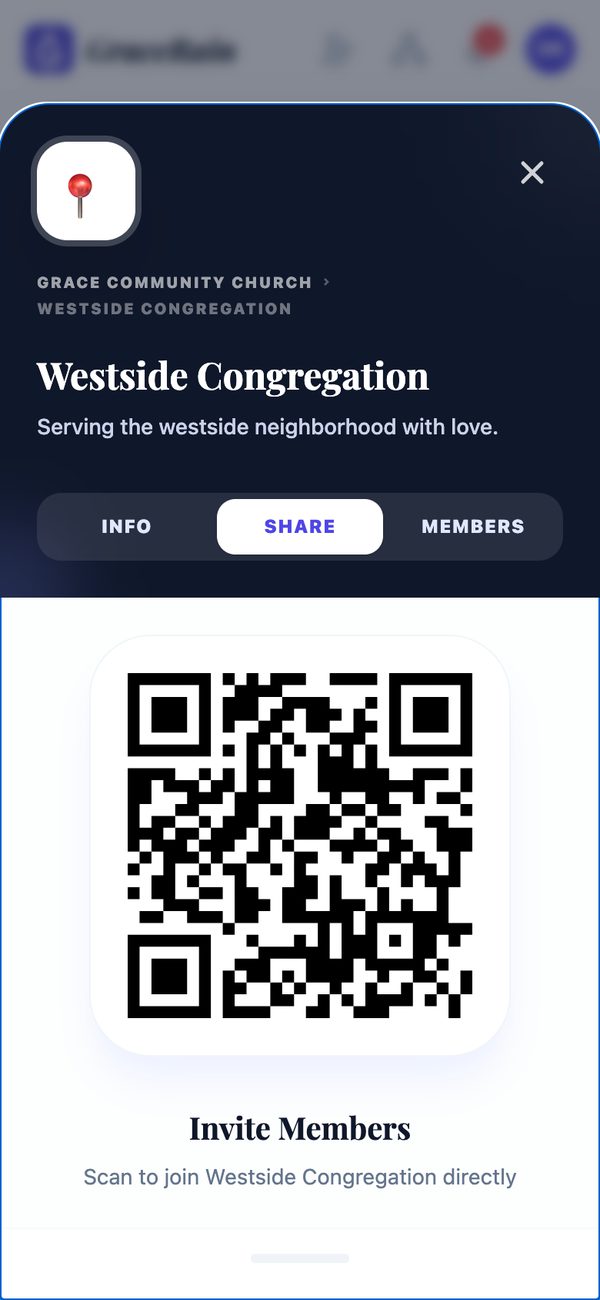
Open Community Structure (the tree icon at the top) to find, join or create groups. Group admins can invite people with the QR code or link on the group's Share tab; people who use it join right away.
-
5
Everything waiting for you is under the bell
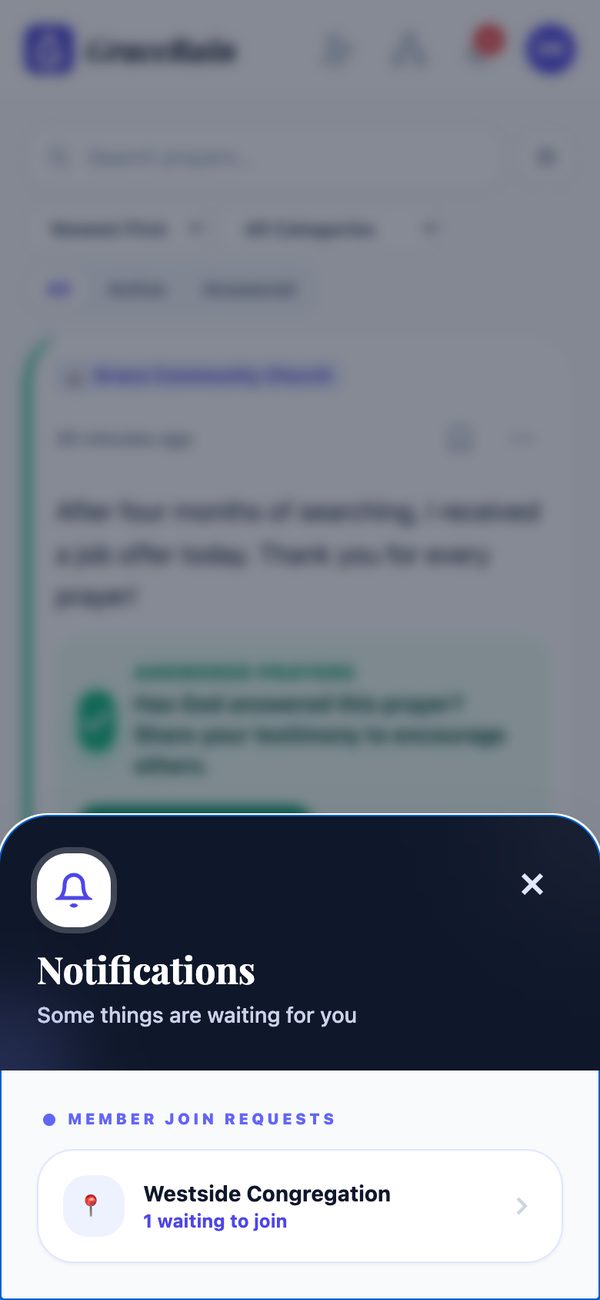
The bell gathers your notifications and everything waiting for your answer: friend requests, people asking to join a group you run, and prayers entrusted to you. Prayers you've entrusted to someone wait there too, with Remind and Take back.
-
6
Add friends
Tap the person-with-plus icon to find friends by name, @username or email, or scan their QR code. Friends see the prayers you share with My friends.

-
7
Make it yours
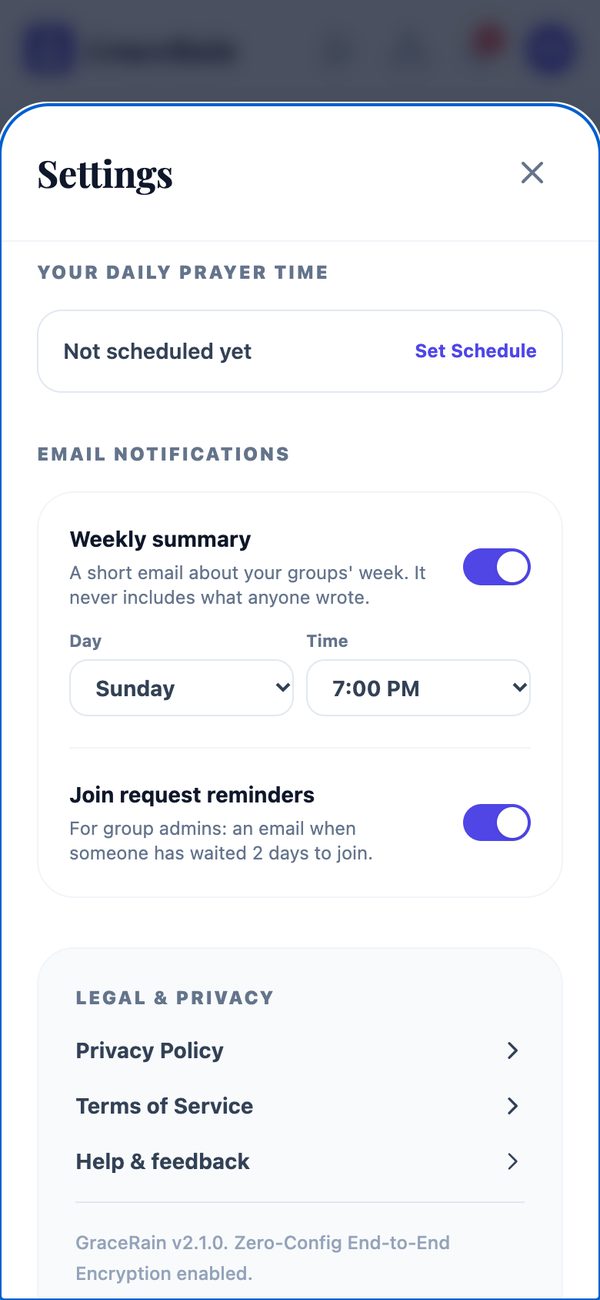
In Settings you can set a daily prayer time, turn on a weekly email summary and choose its day and time, lock the app with Face ID, hide Scripture promises, and change the language.
-
8
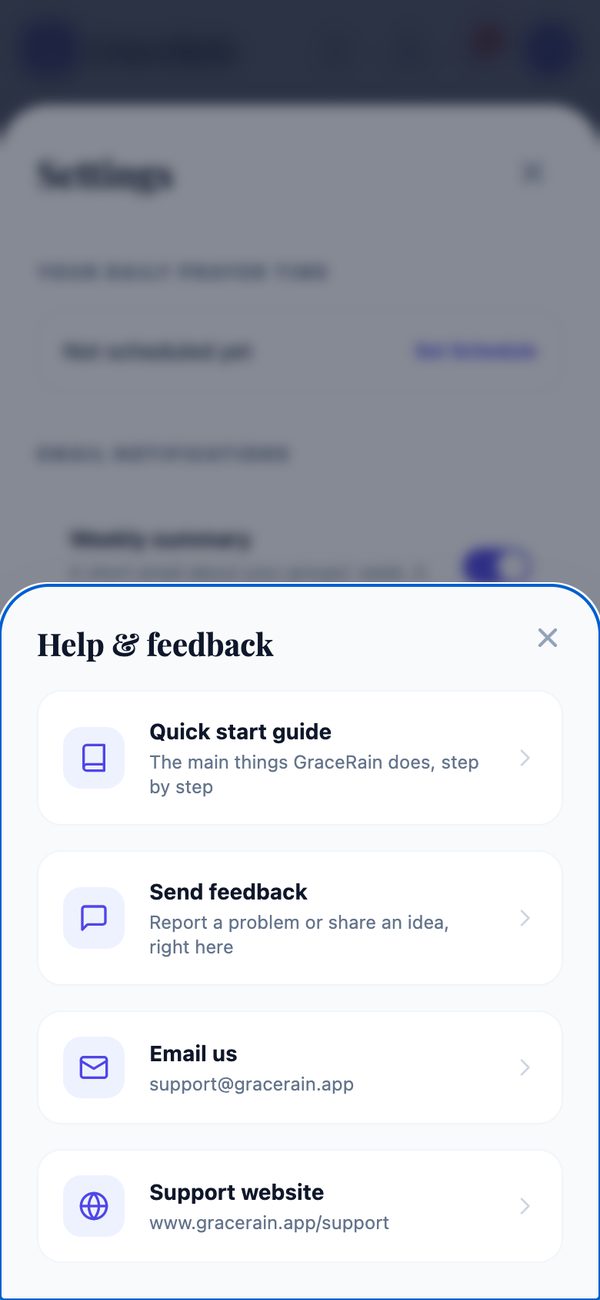
Help is one tap away
Settings → Help & feedback opens this guide, a feedback form that reaches us directly, our email address, and this website.